Turn Any Photo into Video

Upload images, describe the motion, and create a smooth, cinematic AI video.
15 credits
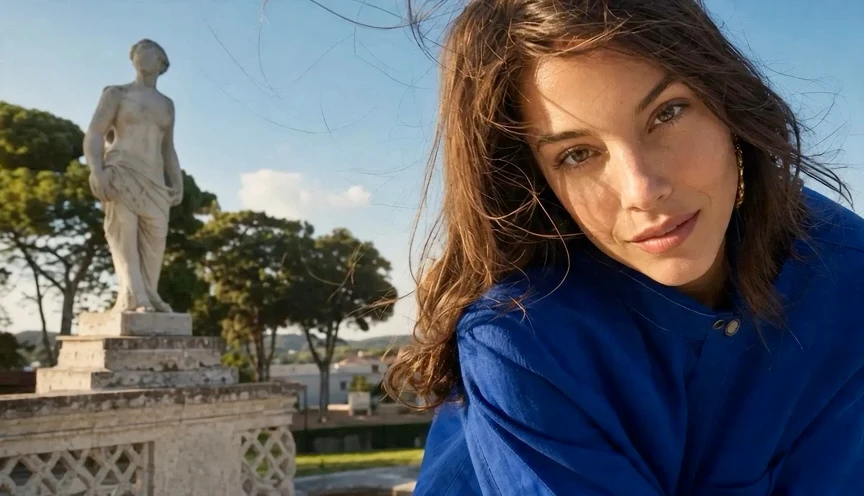
Cinematic close-up portrait in a sunlit sculpture garden
Photography
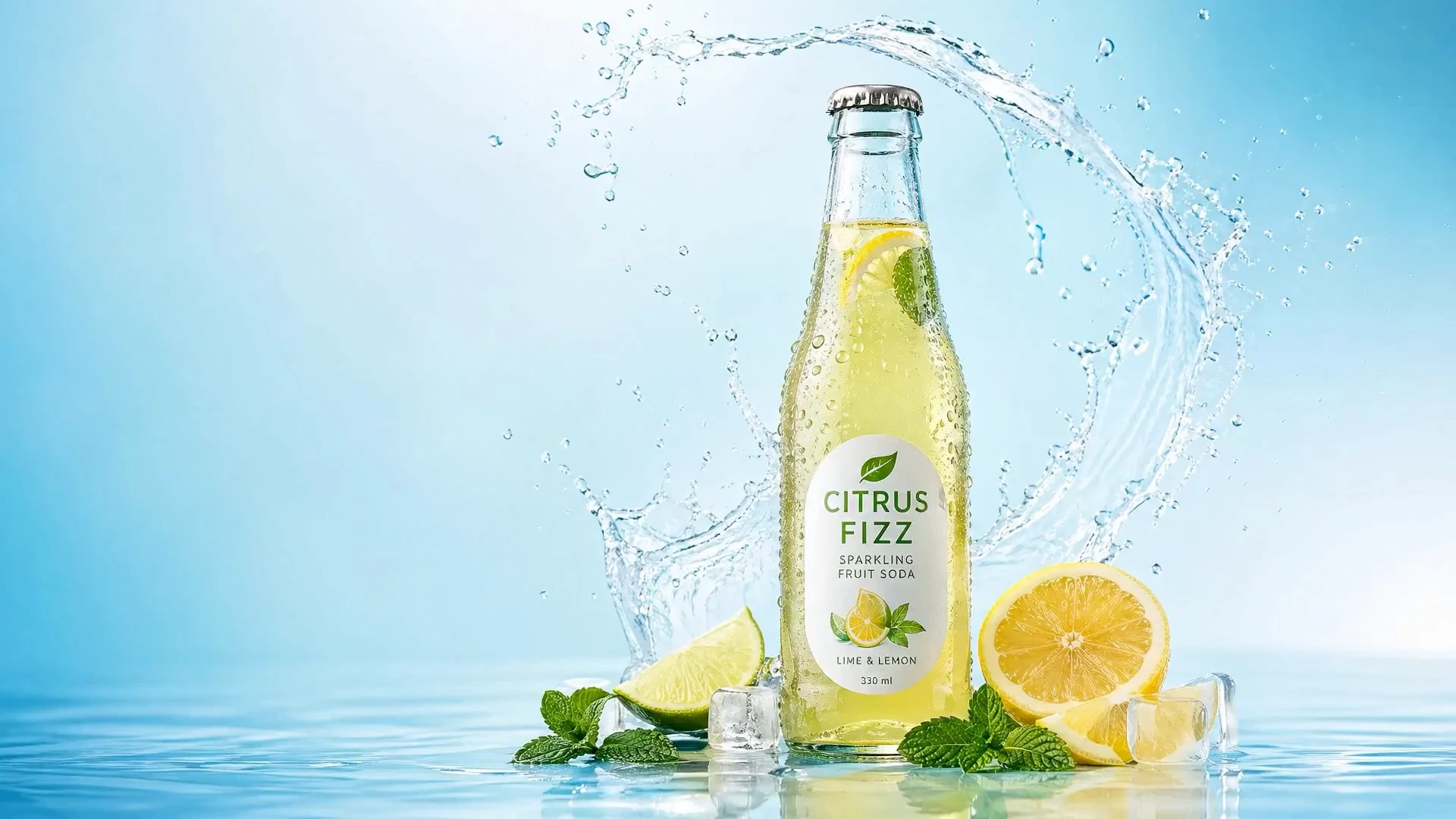
Citrus soda bottle surrounded by fruit, ice, and splashing water
Product
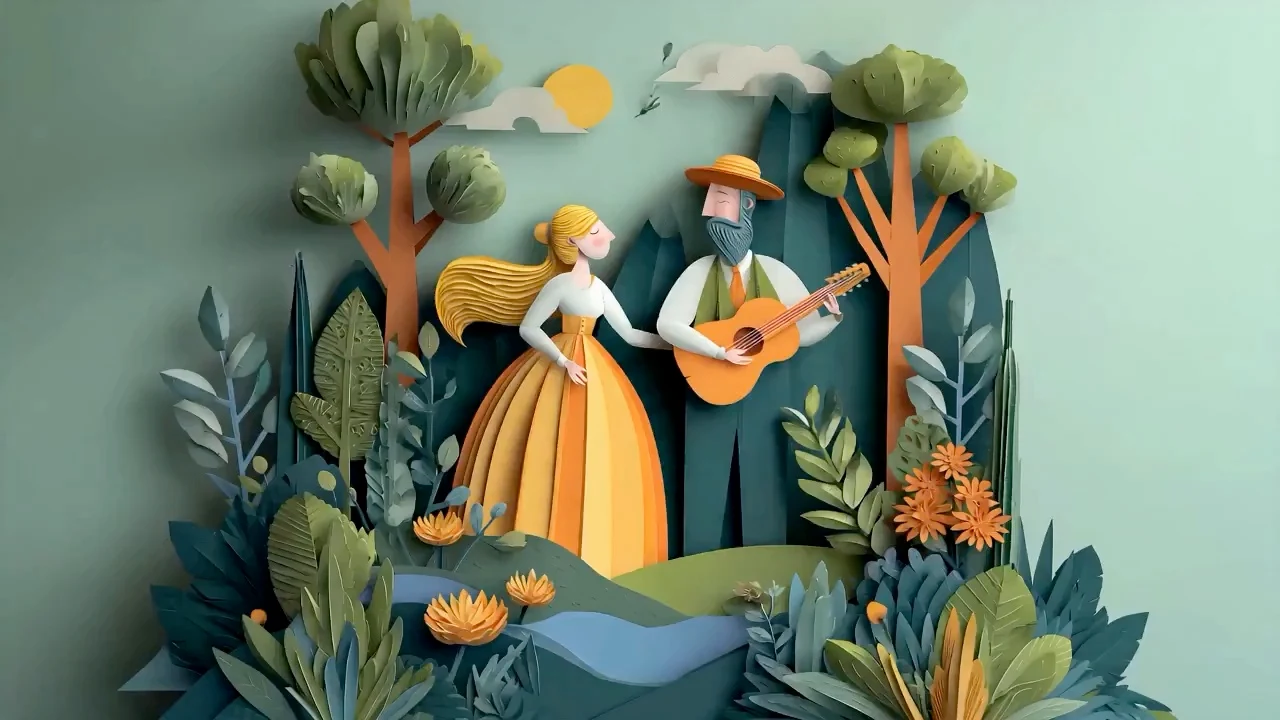
Layered paper-cut musicians in a stylized mountain landscape
Paper Cut
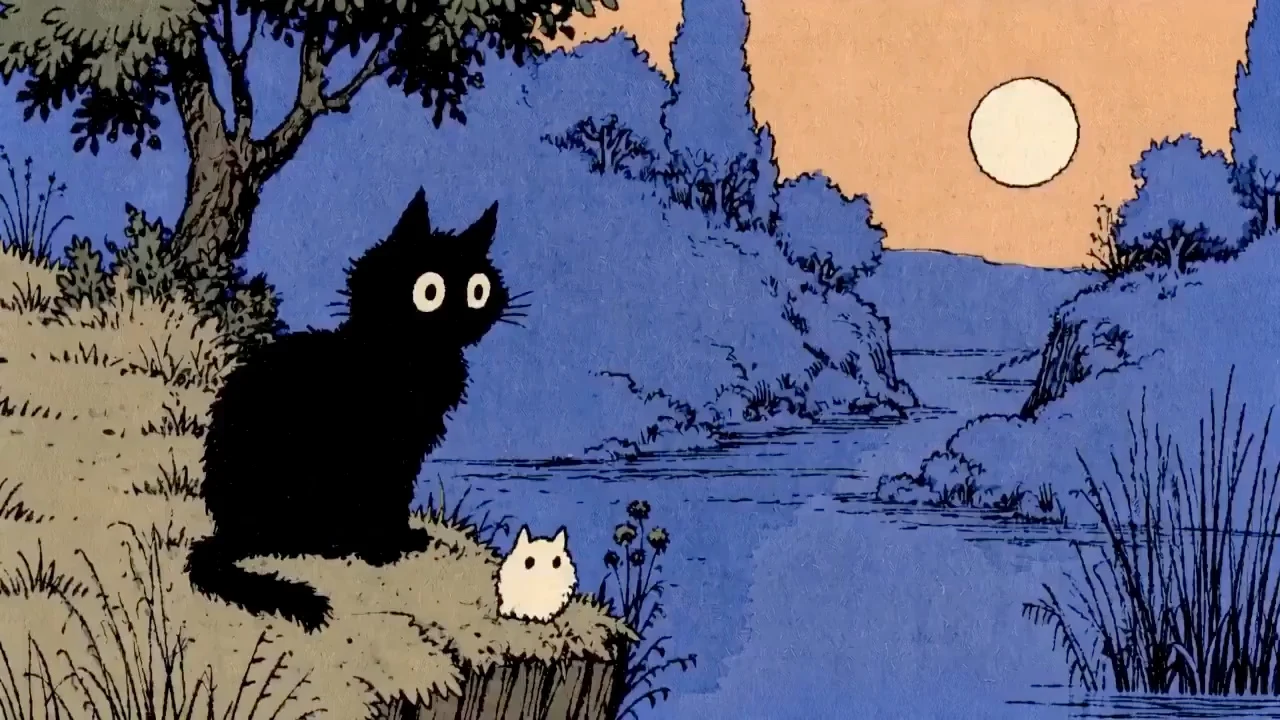
Black cat and white kitten in a blue storybook landscape
Illustration
How it works

Turn a Photo Into Video Clip in Three Steps

Move from a strong source image to a finished clip with a focused workflow. Each step gives the model clearer visual and motion direction before generation begins.

01
Upload a Clear Source Image
Choose one or more photos with a well-defined subject, clean lighting, and enough detail to guide the video. Product shots, portraits, artwork, places, and personal photos can all be used.
02
Describe the Motion You Want
Write a focused prompt that explains the subject action, camera movement, style, and atmosphere. Clear direction such as a slow camera push or gentle wind gives the motion a stronger creative brief.
03
Choose Your Settings and Generate
Select a model, aspect ratio, output quality, and a 5, 10, or 15-second duration. Supported models can generate up to 4K, so you can match the clip to its final placement before creating it.
Better inputs, better motion

Get a Cleaner, More Stable Result

Source quality and prompt clarity have a direct effect on the finished clip. These simple choices help the motion stay focused and the visual details remain easier to read.

Start With a Sharp, Well-Lit Image

A clear source gives the model more useful detail to preserve and helps the finished video look cleaner and more polished.

Keep the Main Subject Easy to Read

Use an image where the subject is large enough to recognize and not hidden by heavy blur, clutter, or overlapping elements.

Give Each Prompt One Clear Motion Idea

Prioritize the most important subject action and camera move. A focused prompt usually produces more coherent motion than several competing instructions.

Use cases

See What You Can Create

Turn photos into product clips, social posts, moving portraits, animated artwork, travel scenes, and memories.

Products and ecommerce

Product Showcases

Turn product photos into polished reveals, teasers, and ecommerce clips.

Social and paid media

Social Posts and Ads

Animate campaign images for Reels, Shorts, TikTok, stories, and ads.

Portraits and profiles

Portraits and People

Add subtle motion to portraits for profiles, introductions, and editorial clips.

Artwork and design

Art and Illustration

Bring artwork to life with movement, light, and depth.

Places and spaces

Travel and Property

Animate places and spaces for listings, travel stories, and destination campaigns.

Memories and personal stories

Memories and Archives

Add gentle motion to treasured photos for albums, tributes, and personal montages.

Advantages

What Makes Photo into Video Useful?

The biggest advantage is simple: you can create motion from a visual you already own and understand. That means less setup, clearer creative direction, and more ways to use a strong image across marketing and storytelling.

01

Turn a Photo into Video Without Another Shoot

Start with the product photo, portrait, artwork, or campaign image you already have. When the visual is ready but the channel calls for motion, you can explore a moving version without organizing a camera crew, location, talent, or another round of photography.

02

Image-to-Video Motion in Plain Language

Describe what should move and how the shot should feel. Ask for a slow push toward the product, wind through a landscape, a gentle portrait movement, or light passing across a scene instead of building the motion frame by frame.

03

Photo Animation That Starts On-Brand

Your uploaded image already carries the subject, styling, color, composition, and campaign context. That gives the motion idea a recognizable starting point and helps a new clip feel connected to the still image used across the rest of your content.

04

Photo into Video Ideas You Can Compare

One image can support more than one direction. Try a quiet camera move for a landing page, a stronger reveal for an ad, a close detail for a product edit, or a more atmospheric version for a story, then keep the result that fits.

05

AI Photo Video for More Content Formats

A still that once lived only in a gallery, catalogue, lookbook, or feed can also support video-first placements. Use short motion clips as standalone posts, campaign accents, product-page media, portfolio details, presentation openers, or supporting shots in a longer edit.

06

Photo-to-Video With a Focused Workflow

The product is built around one clear job: start with an image, define the movement, create a clip, review it, and decide where it belongs. There is no need to begin inside a large editor when the immediate goal is simply to animate a still.

Placements

Where Photo into Video Works Best

A short animated image can be the complete post or one useful moment inside a larger campaign. These placements show how the result can support a real page, ad, presentation, portfolio, or edit.

Photo into Video for Paid Social

Turn a hero image or campaign still into an alternate ad creative with a product reveal, camera move, or atmospheric detail. The recognizable source visual can stay consistent while the motion gives a paid placement a different opening moment.

Image-to-Video for Product Pages

Add a short moving product view beside catalogue photography, feature callouts, and purchase information. A restrained clip can create more visual interest without asking shoppers to watch a long commercial before they understand the product.

Photo Animation for Landing Pages

Use movement in a hero, campaign section, feature story, or visual break where a still feels too quiet and a full video feels too heavy. The source image keeps the page connected to the wider brand system.

Photo into Video for Portfolios and Pitches

Open a case study with moving key art, show a client how a campaign frame could behave, or add motion to a photography portfolio. A compact clip can communicate the idea before a larger production is approved.

AI Photo Video for Larger Edits

Use an animated still as an establishing shot, transition, visual pause, product close-up, or memory beat inside a longer video. It can help bridge a story when the right piece of recorded footage does not exist.

Visual quality

Clear, Smooth, Cinematic Motion From One Photo

Turn a strong still image into polished motion with control over the model, framing, output quality, duration, subject action, and camera behavior.

Quality by design

A Professional Starting Point for Every Clip

Clear source detail, focused motion direction, and deliberate output settings work together to produce a more stable, presentation-ready result. Review the complete clip before publishing to confirm that important brand and subject details match your intended use.

Clear Output Up to 4K

Choose the output quality that fits your project, from fast previews to high-resolution delivery. The standard model supports resolutions up to 4K for polished product, campaign, and portfolio work.

Smooth, Directed Motion

Guide both subject action and camera behavior in plain language. Focused motion direction helps the clip feel coherent from the opening frame to the final moment.

Cinematic Control From One Frame

Combine camera movement, pacing, framing, and atmosphere to turn a still image into a more immersive shot with the visual character of a finished production.

Professional Results, Ready to Review

Create presentation-ready clips for product pages, ads, portfolios, and social content. Review the finished video against the source image, then keep the version that best represents your subject and brand.

Pricing

Photo into Video Pricing for Every Project

Choose a credit option for one image-to-video idea, several creative variations, or ongoing content work. Review the current plan details before checkout.

monthly

Basic
For hobbyists and beginners
$29.90/ mo

$0.037 / credit

800 credits / month

  • All Seedance video models
  • Commercial usage rights
  • Credits refresh each month
Most Popular

monthly

Standard
For most content creators
$49.90/ mo

$0.031 / credit

1,600 credits / month

  • Everything in Basic
  • More videos each month
  • Lower cost per credit

monthly

Professional
For advanced users
$99.90/ mo

$0.025 / credit

4,000 credits / month

  • Everything in Standard
  • Highest monthly credit allowance
  • Best subscription credit rate

Credit Usage Table

Credits are calculated by model, resolution, and video duration.

ModelResolutionCredits/sec5s example
Seedance 2.0480p630 credits
Seedance 2.0720p1260 credits
Seedance 2.01080p30150 credits
Seedance 2.04K70350 credits
Seedance 2.0 Fast480p525 credits
Seedance 2.0 Fast720p1050 credits
Seedance 2.0 Mini480p315 credits
Seedance 2.0 Mini720p630 credits
FAQ

Common Questions About Photo into Video

Clear answers about source images, product and portrait use cases, generated motion, commercial considerations, and credits.

Create with AI

Start Creating with Photo into Video

Start with one image you already value. Add motion for a product, social post, portrait, artwork, place, campaign, or personal story.